

Google Workspace
You can sync your calendar using a Google Workspace (G Suite) account. Personal Gmail accounts are not supported.
👉 Set up Google Calendar sync
Microsoft Outlook
You can sync your calendar using a Microsoft Outlook account.
👉 Set up Outlook Calendar sync
Don't have Google Workspace or Outlook?
You can subscribe to your Pipeline CRM calendar in read-only mode using any calendar app that supports calendar subscriptions.
⚠️ Note: This is a one-way, read-only feed. Changes made in your calendar app will not sync back to Pipeline CRM.
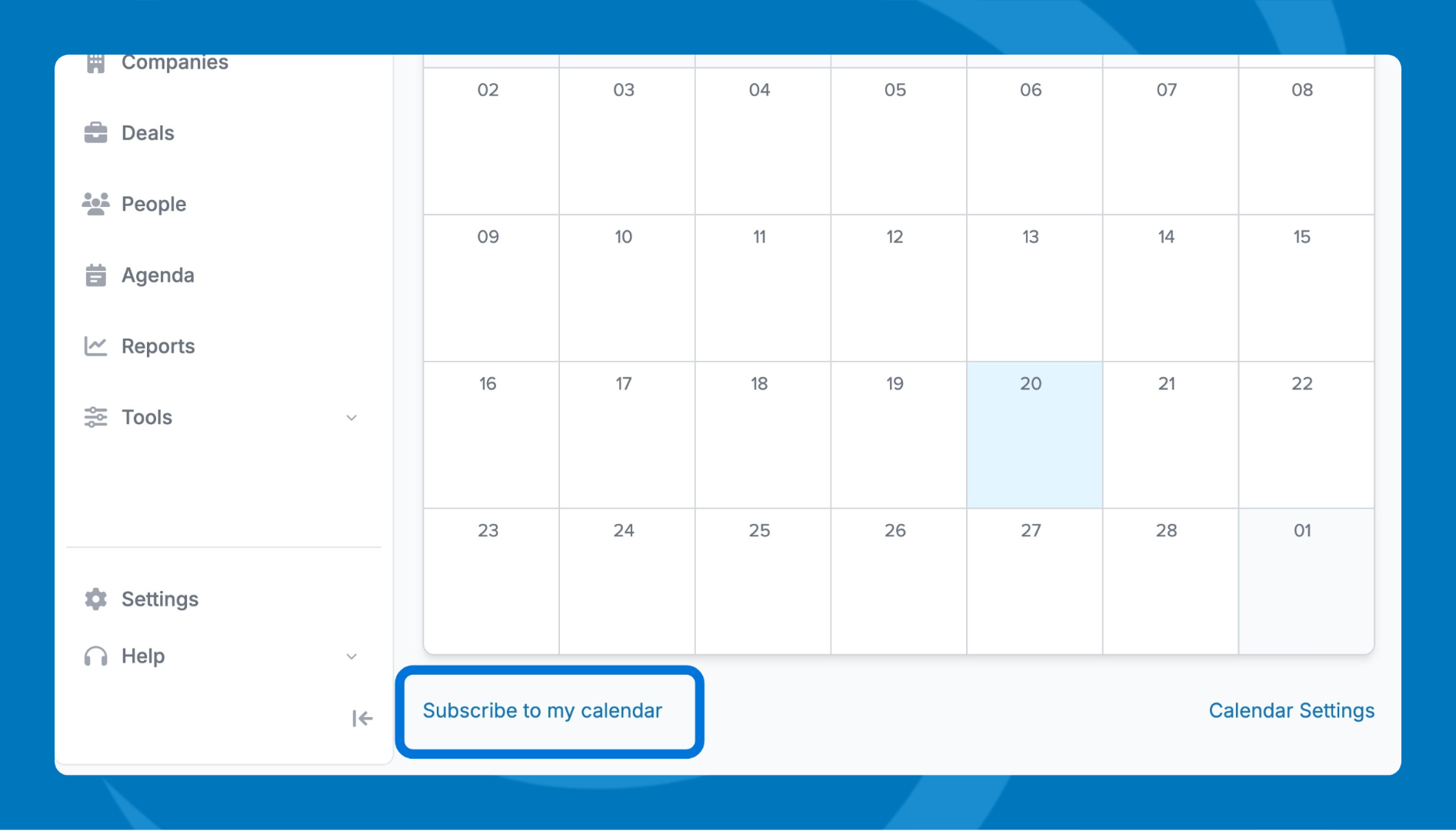
- Go to the Agenda tab and switch to Calendar view.
- Scroll to the bottom of the page and find the Subscribe to my calendar link.
- Click to download or right click to copy.
- Open your calendar app and paste the link to add a new subscribed calendar.
Need help? Contact support at [email protected].