

Tasks vs. Events
- Tasks are to-dos you plan to complete in the future (e.g., a call on Friday).
- Events have a start and end time (e.g., a meeting Thursday 1–2 p.m.).
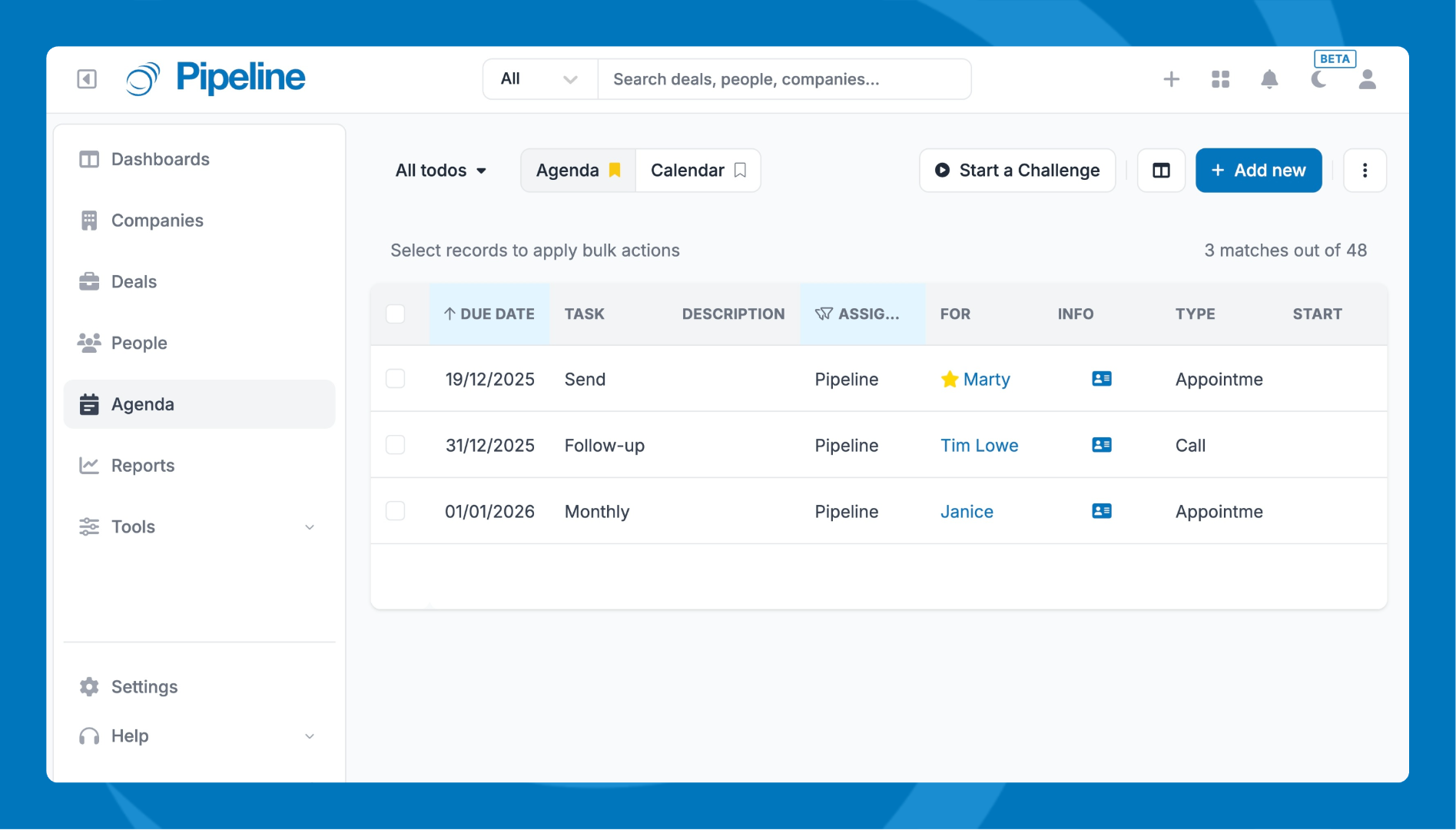
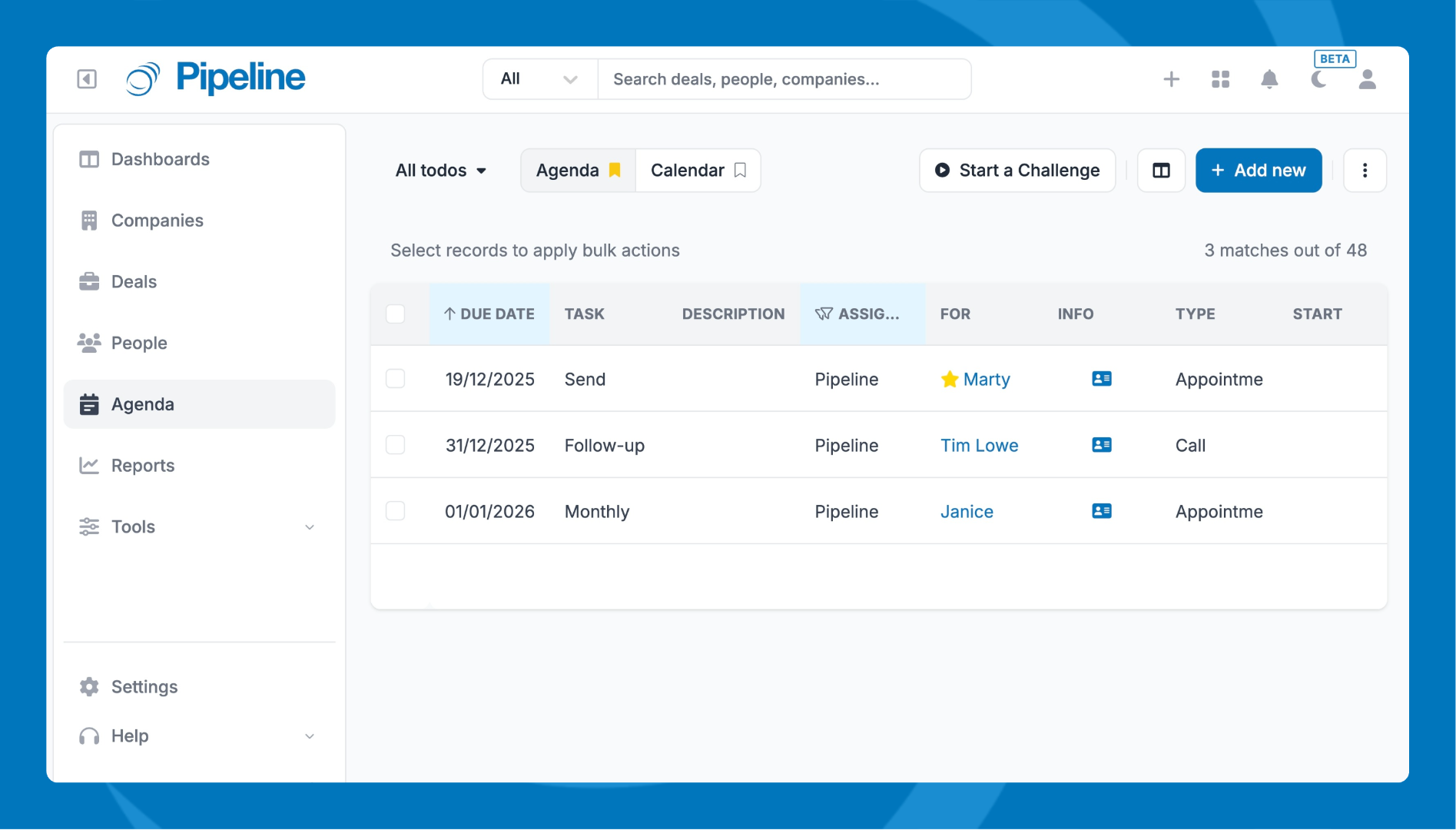
Scan and act on work in a linear, sortable format. Filter, sort, customize columns, create saved lists, and use bulk actions to postpone, reassign, complete, or delete items.
📋 For setup and tips, see: Agenda List View.
Calendar View
See tasks, events, and milestones by Month, Week, or Day to understand timing, overlaps, and availability. Use filters for Categories and Users, assign colors, adjust settings (truncate titles, week start), and subscribe to a read‑only calendar feed.
🗓️For setup and tips, see: Calendar View.
Adding Tasks and Events
There are several option on how to create new tasks or events:
- Add from the “+” icon
- The Add New button in Agenda/Calendar view
- The Agenda tile on any record.