

Before you begin:
- Admin permissions required
- A FullContact account with API access
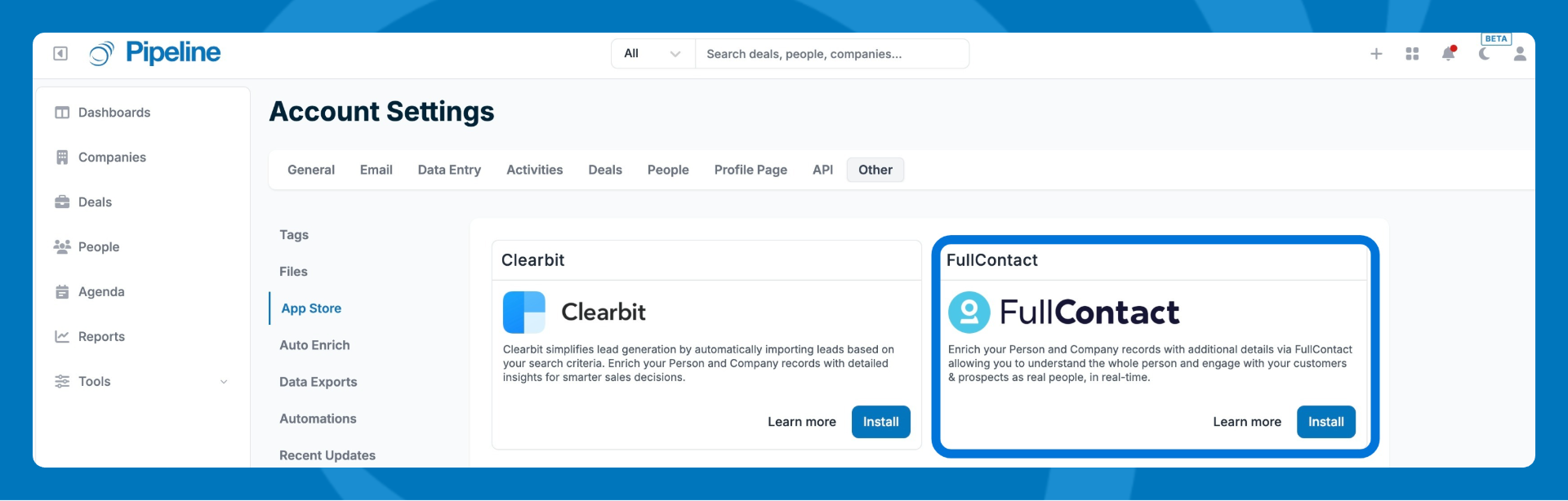
- Go to Settings > Other > App Store, then find the FullContact integration.
- Click Install.
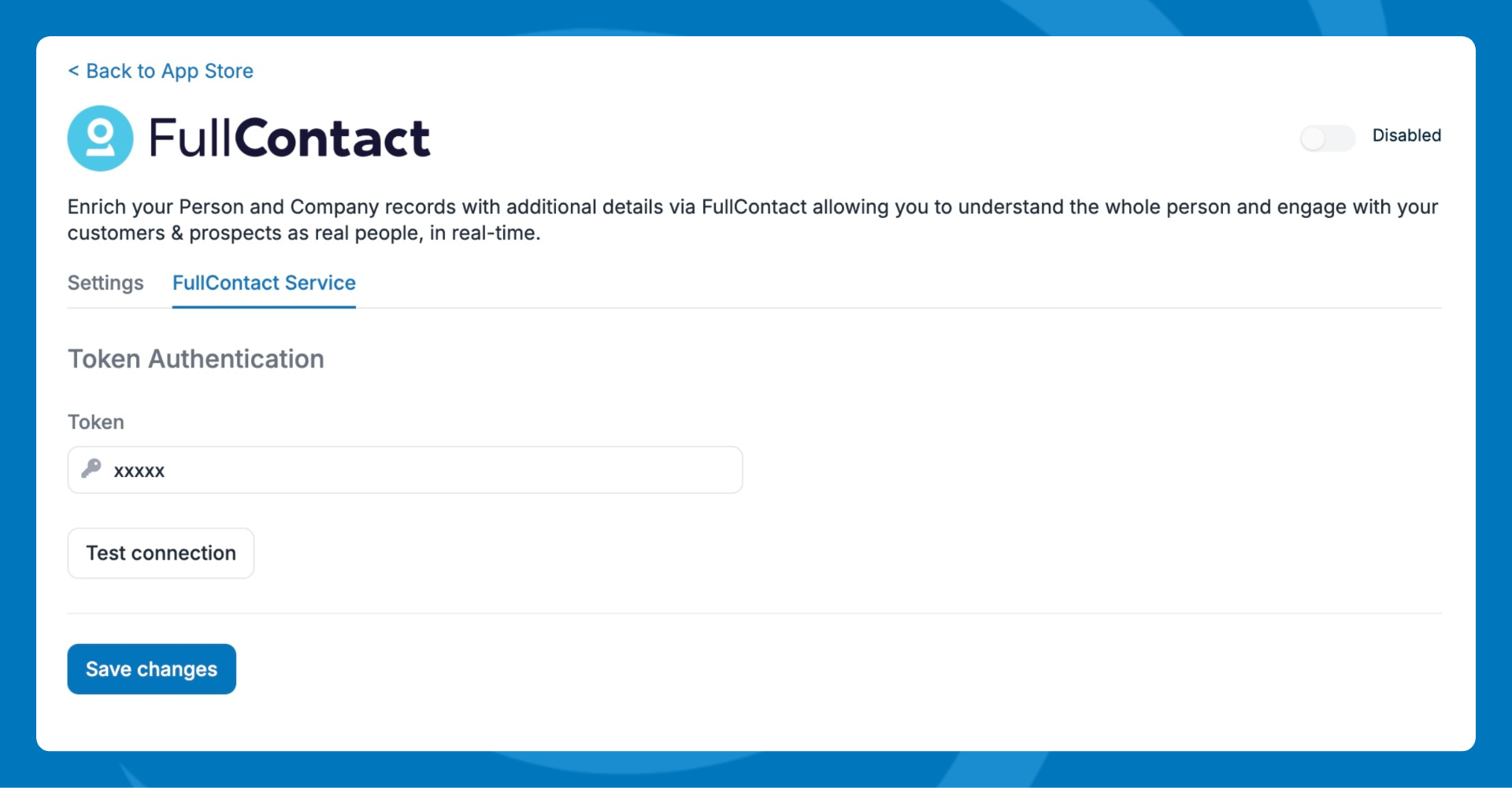
- Go to the FullContact Service tab.
- Generate an API key from your FullContact dashboard by following the steps here.
- Paste your API key into the Token field.
- Click Test Connection to verify the key is working, then click Save changes.
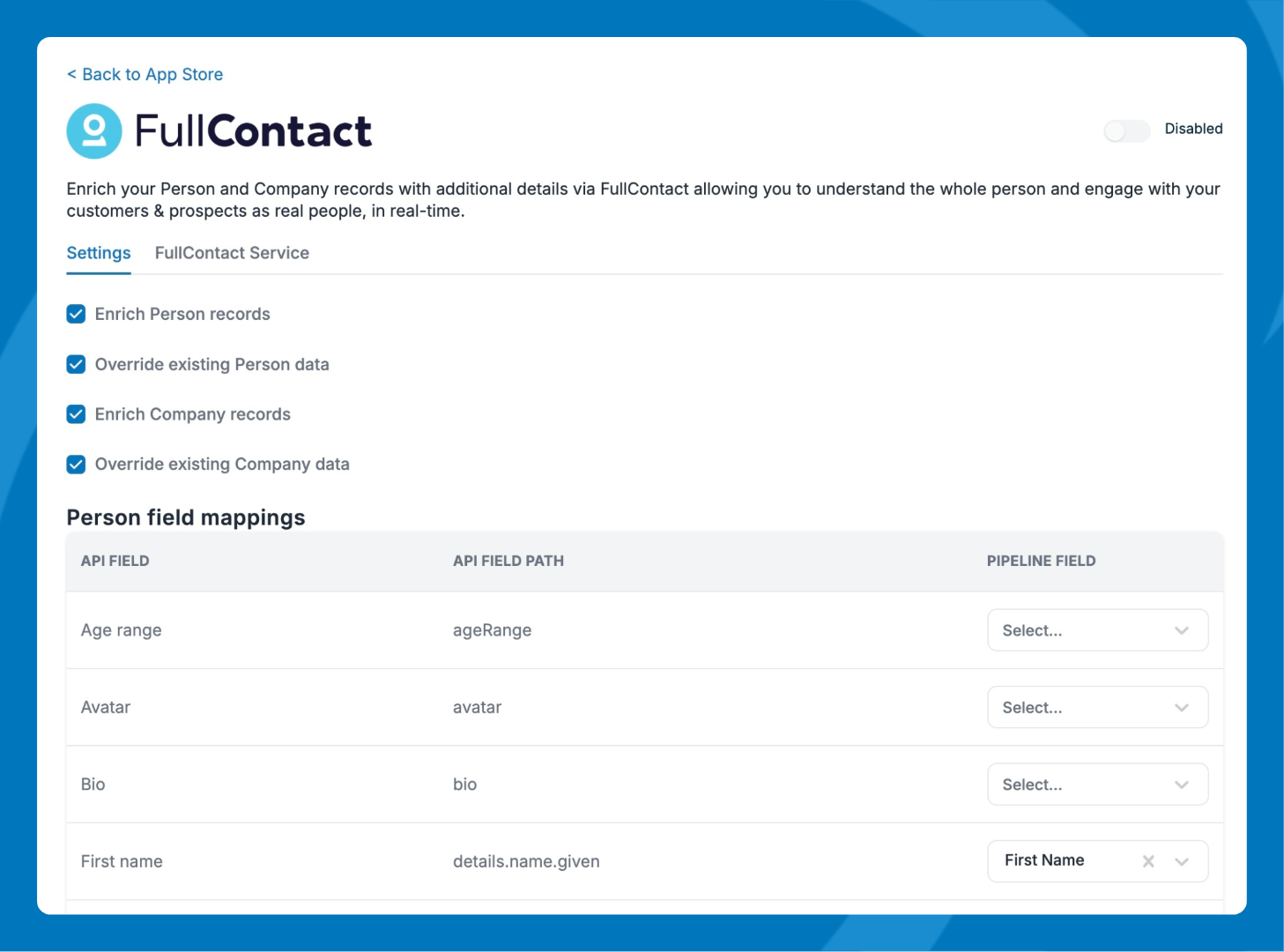
- In the Settings tab:
- Choose which record types to enrich — Person fields, Company fields, or both.
- Allow overriding existing data for company and/or people records.
- Map FullContact data fields to your Pipeline CRM fields. Some fields are mapped by default.
💡 Tip: You can create custom fields in Pipeline CRM and map them to FullContact fields for more flexibility.
How enrichment works:
- A new person record is enriched when a work email is present at the time of creation.
- An updated person record is enriched only when the work email changes.
- If you've enabled the override setting, FullContact data will replace any existing values for mapped fields.