

Steps:
- Open the record where you want to add a file.
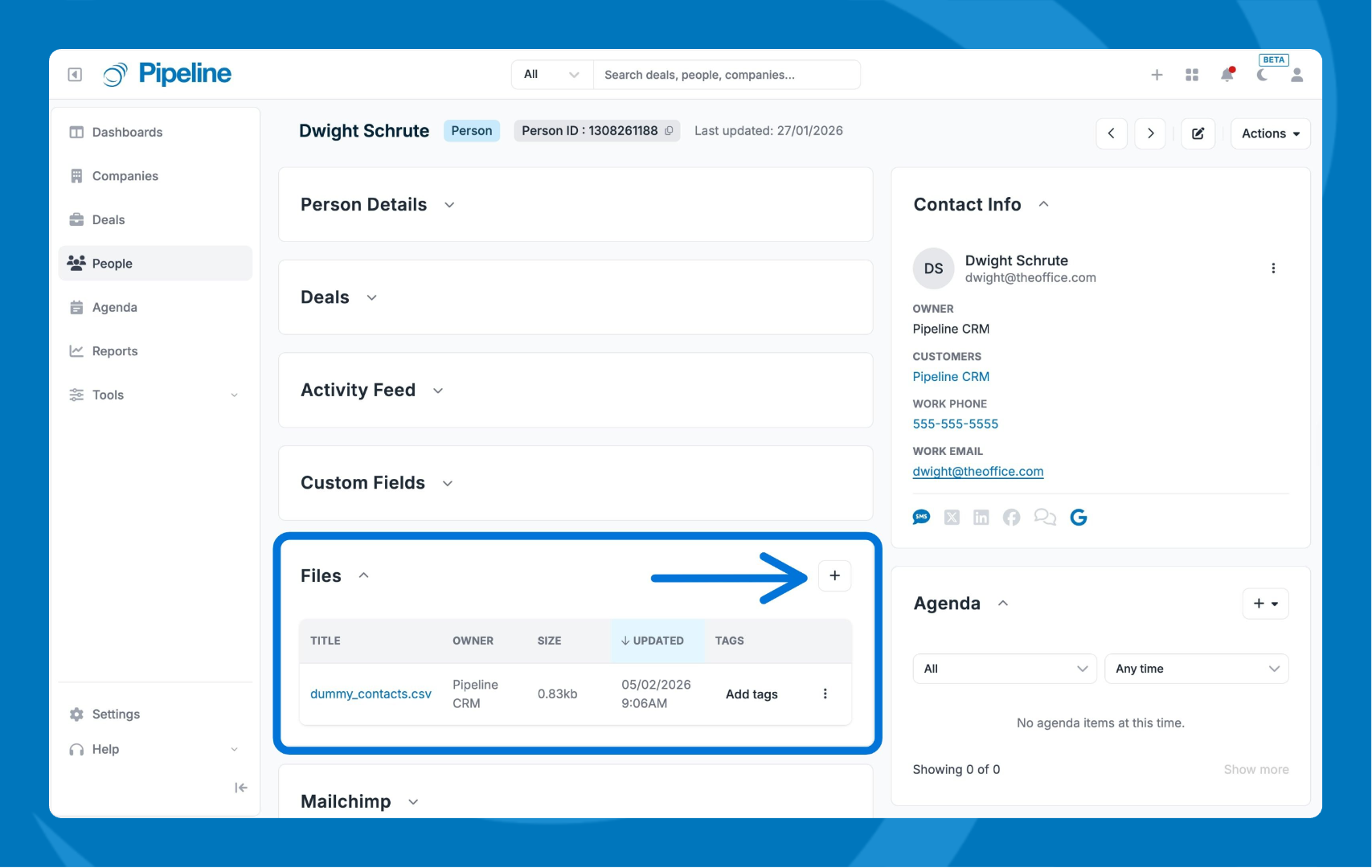
- Scroll down and locate the Files tile.
- Click + icon and select your file.
Managing your files:
- Click any file name to download it.
- View file details including type, size, and upload date.
- In the Tag column, you can add File tags to it.
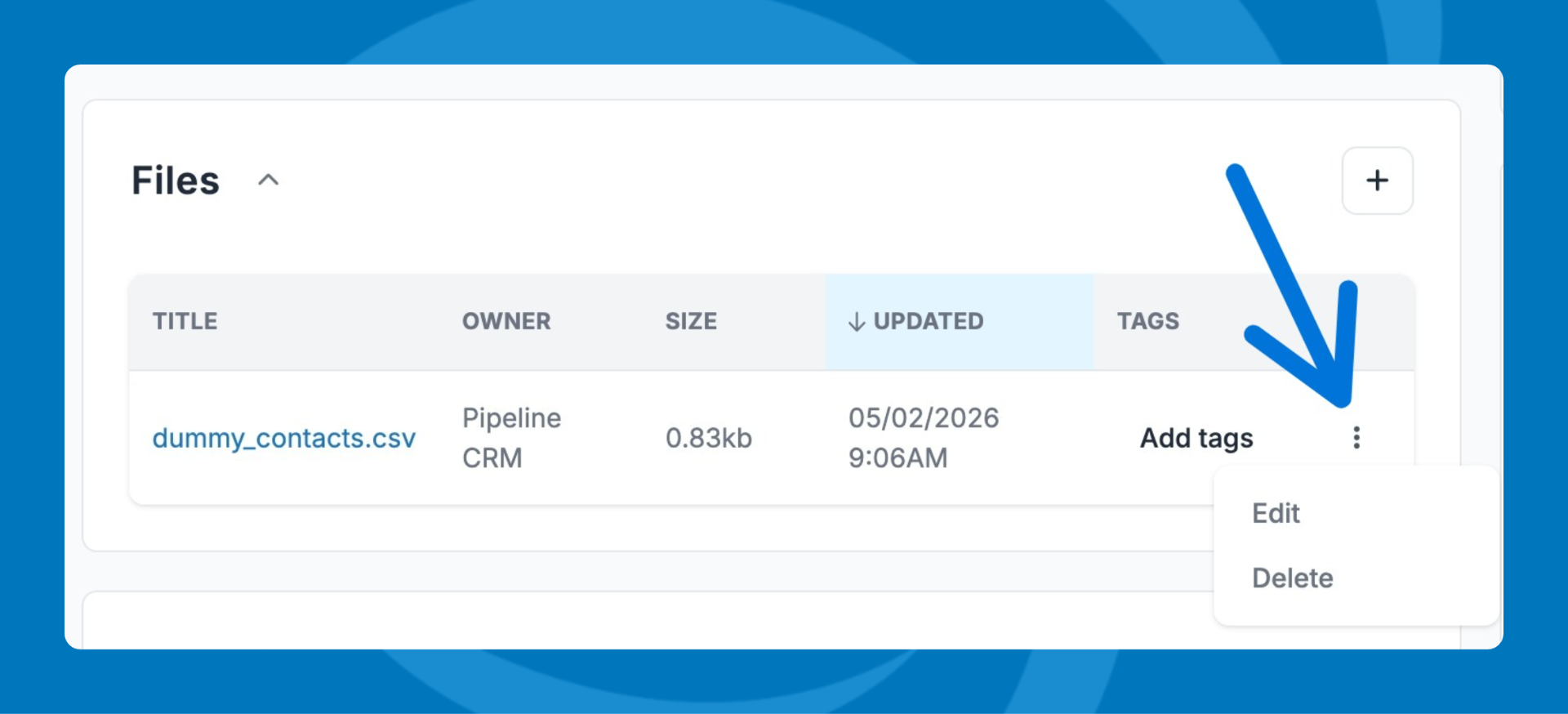
- Click the three dot menu to edit the name or delete the file.
File Size Limits and Supported Types
- Maximum file size: 200MB per file.
- Supported file types: xls, xlsx, doc, docx, pdf, pptx, gif, png, jpeg, csv.