What are archived deals?
Archived deals are closed deals that you want to keep on record but remove from your active pipeline.
When a deal is archived, it's excluded from report totals on the Deals and Reports tabs — keeping your active data clean without permanently deleting anything.
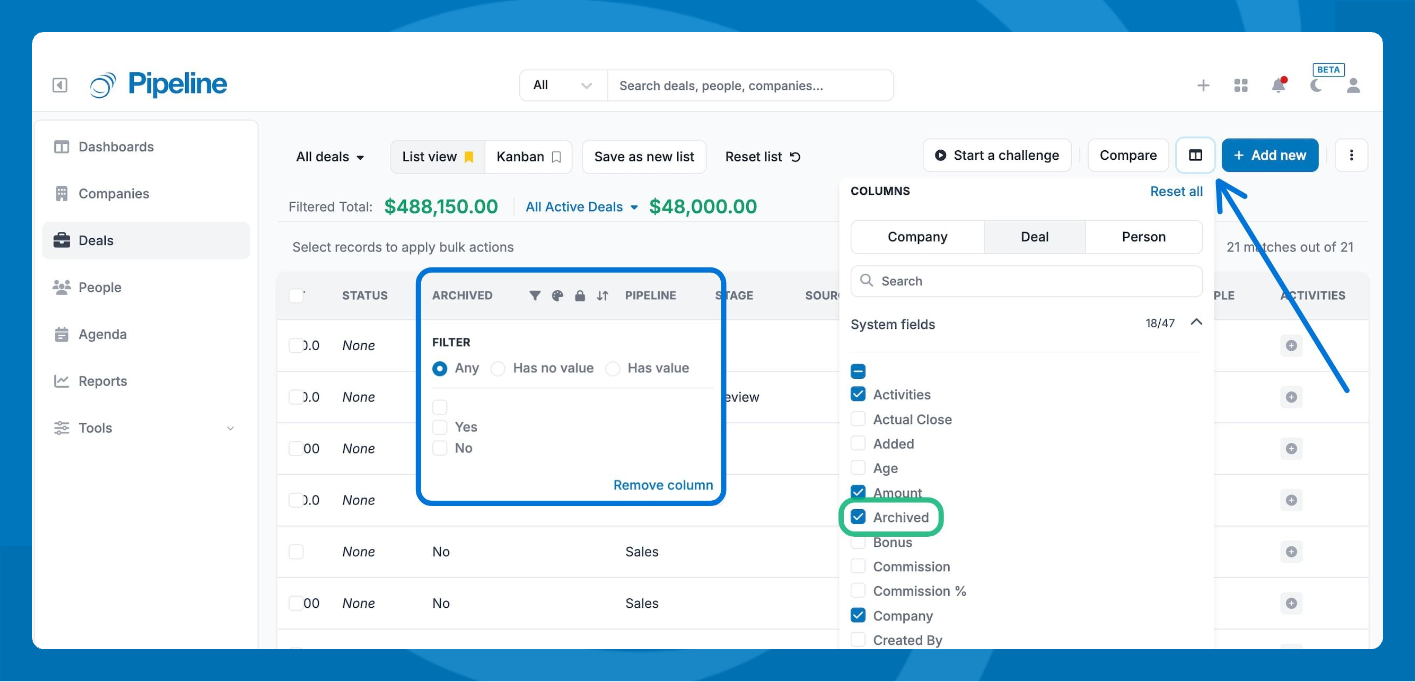
Find your archived deals
- Go to the Deals tab.
- Enable the Archived column.
- Filter by Yes to display all archived deals.