

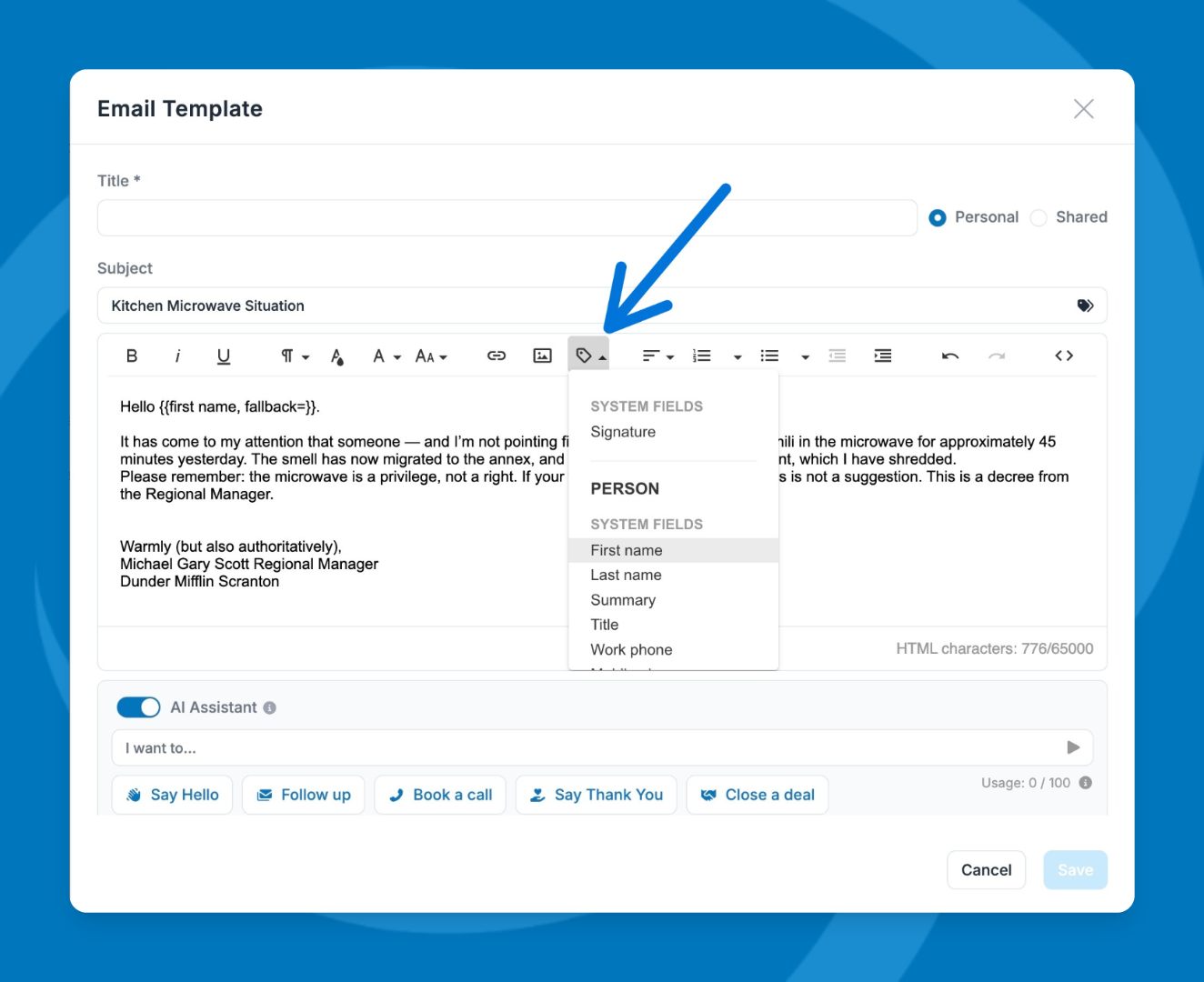
Merge tags pull information directly from a record — like their first name or company — and insert it into your message automatically. This lets you personalize emails at scale without manually editing each one.
Where You Can Use Merge Tags
Merge tags are only supported in bulk emails and email campaigns. They are not available in standard one-off emails.
However, you can create email templates that include merge tags and use those templates across both campaigns and regular emails.
Need help? Contact support at [email protected].